NyloSpacesOpen App

AI Interior Designer

Design spaces with AI

NyloSpaces helps you start from space photos, refine ideas with the AI interior designer, use the style library, and export final designs.

Open App

Free to start — no card required.

AI Interior Designer

Describe your room

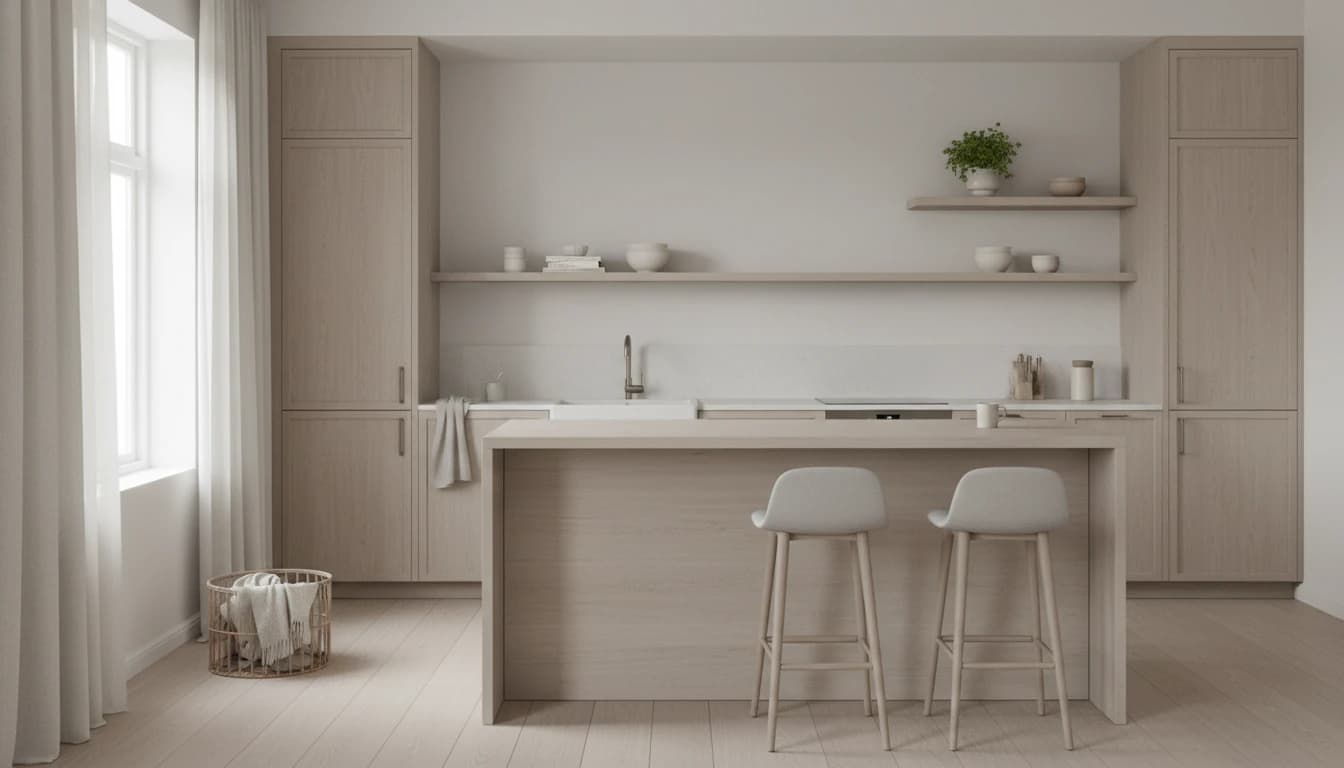
A Scandinavian kitchen concept generated by NyloSpaces
Kitchen

How it works

A simple three-step flow.

01

Upload a space

Start with a phone photo of your room. No floor plans, no measurements — just a picture and the AI has everything it needs.
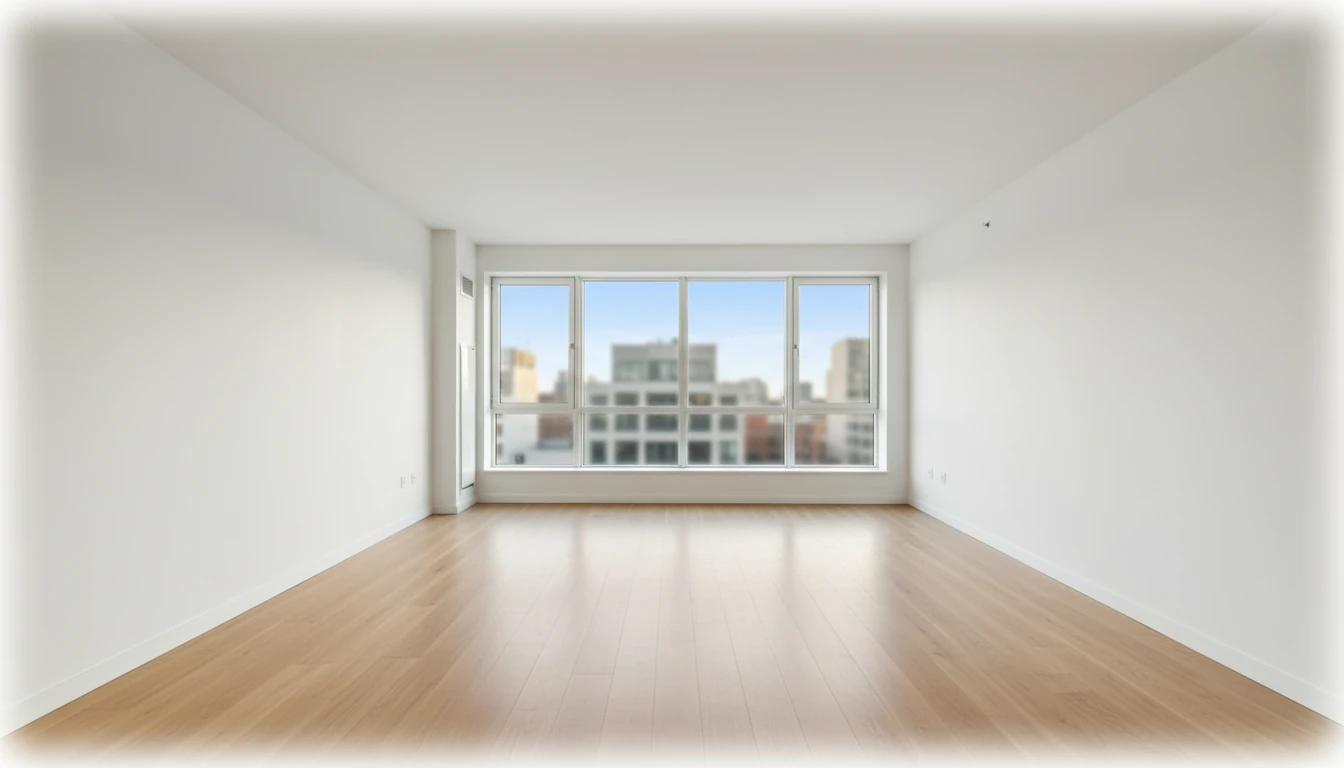
Empty room photo ready to upload to NyloSpaces
Your photo

02

Refine with AI + styles

Describe what you want or pick from the style library. The AI redesigns your actual space — same walls, same windows, completely new feel.
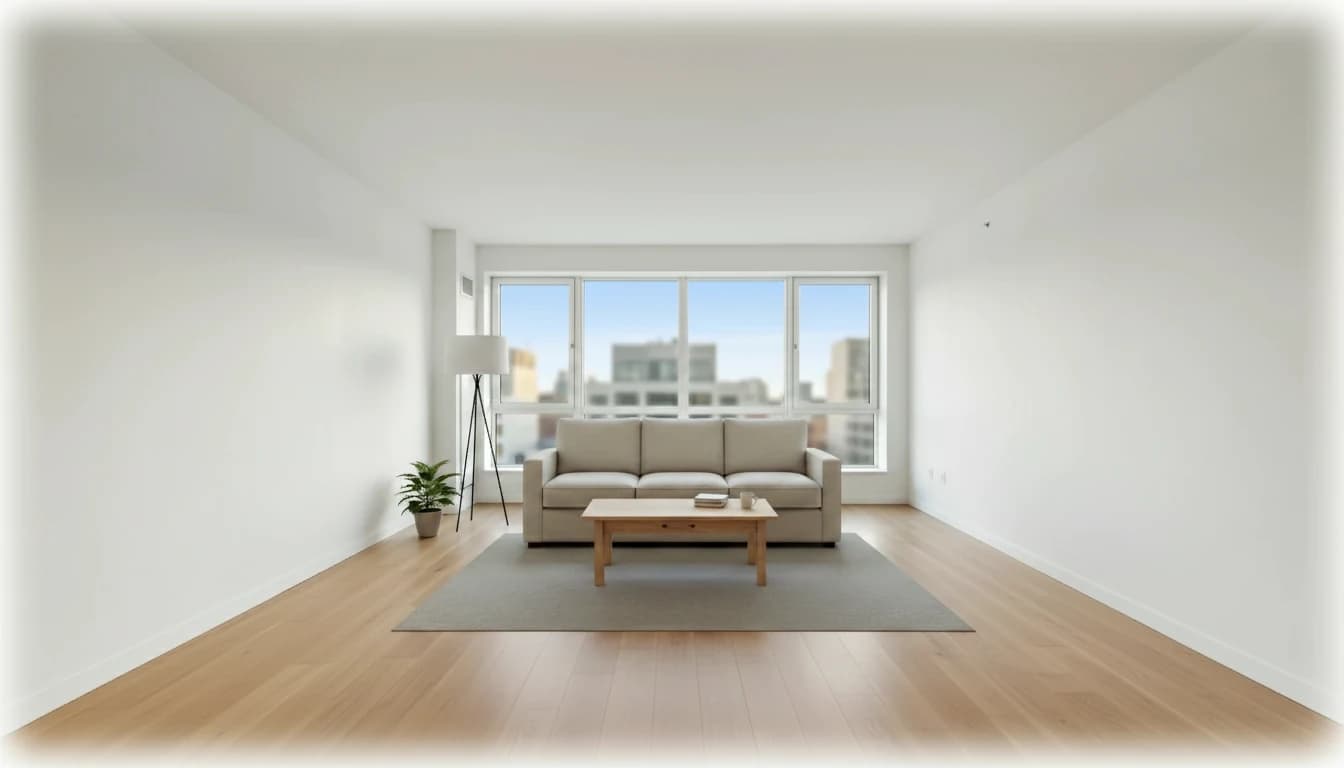
Plain living room before AI redesignLiving room redesigned in warm bohemian style by NyloSpaces
BeforeAfter

03

Export the direction

Select the versions that feel right and export polished outputs for client review, contractor handoff, or your own reference.
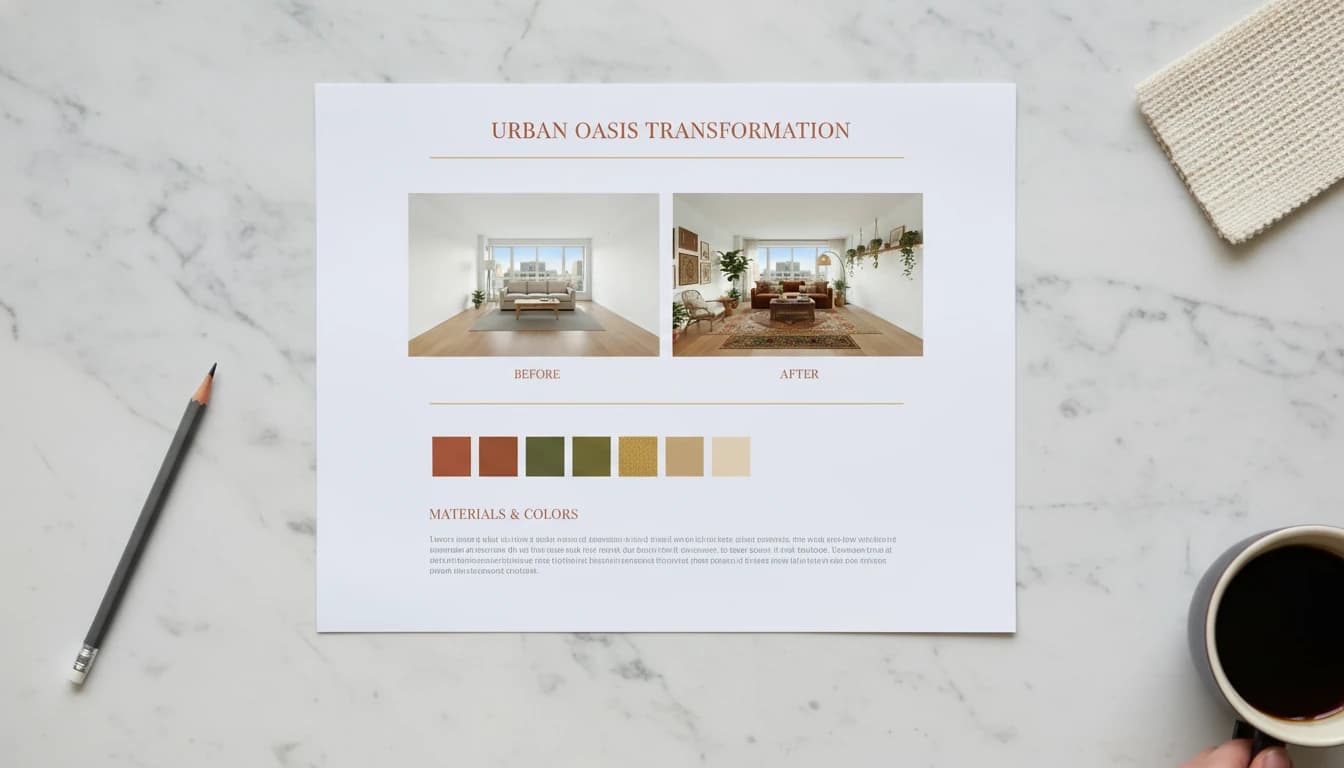
Polished design presentation document exported from NyloSpaces
Design presentation

Features

Design faster with styles and reference-driven direction.

Start from a photo of your room, browse ready-made styles and moods, and attach inspiration images when you want the AI to match a specific look—your layout stays tied to your space.

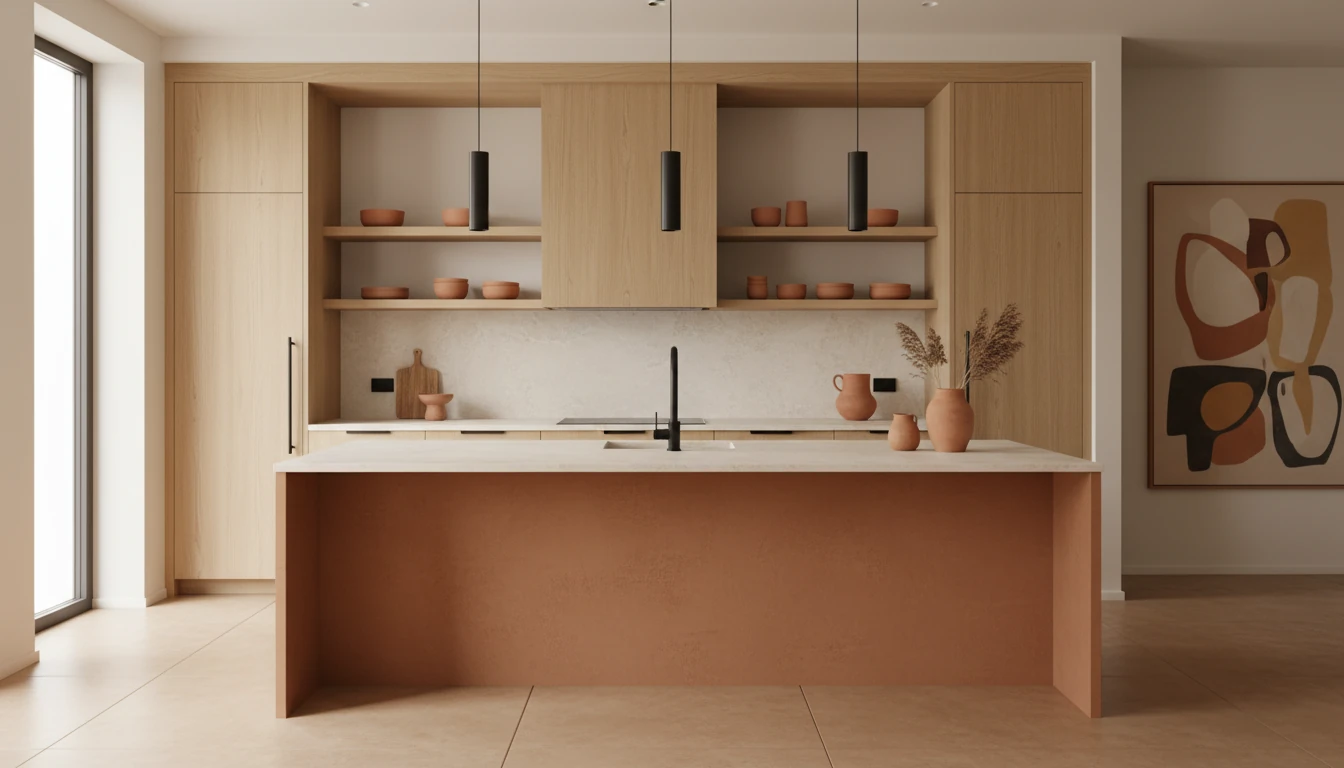
Kitchen interior generated in warm minimal style
Preview
Warm minimal style preview
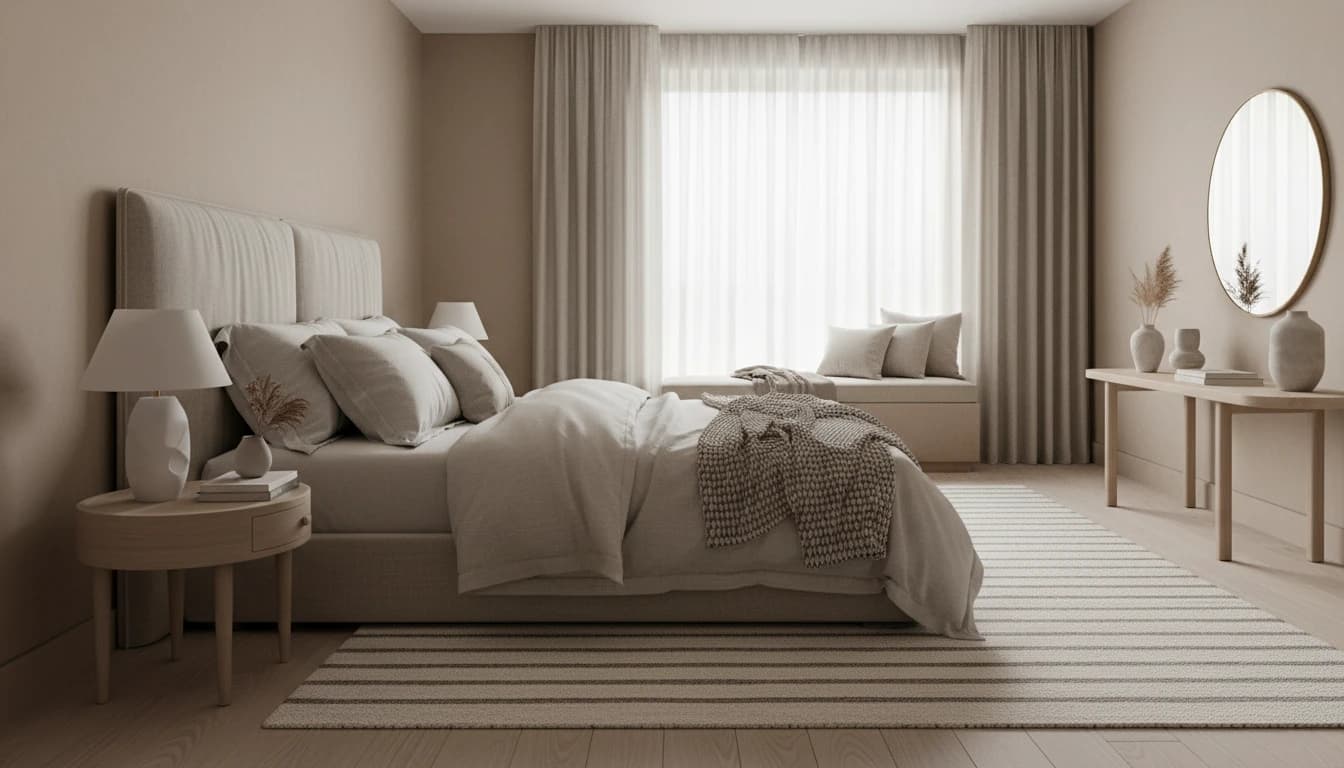
Layered calm style preview
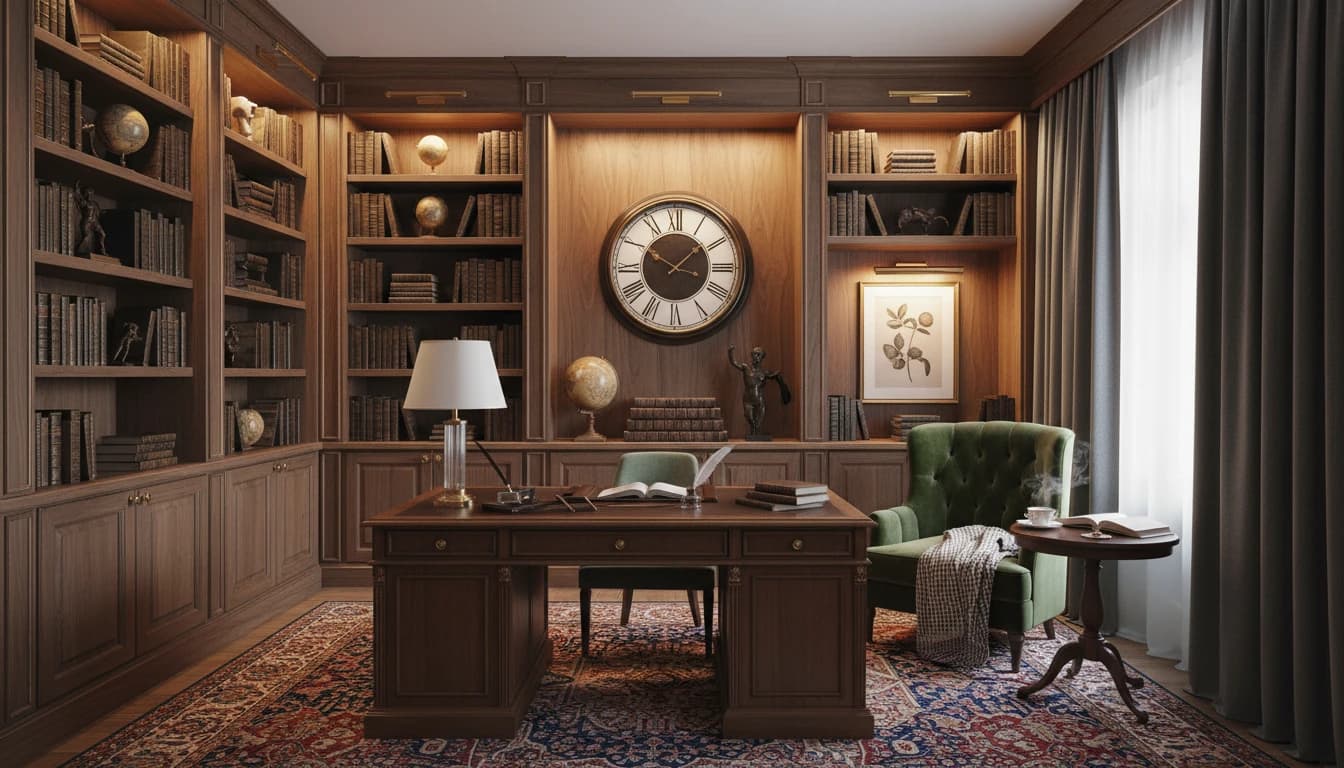
Walnut study style preview
I chose “Warm minimal” in the style library—apply that look to this room and keep the same floor plan.

Style library

Select from a gallery of styles and moods

Tap the little palette icon, browse looks until one clicks, then say what you want in plain language—the app works the same way when you're really using it.

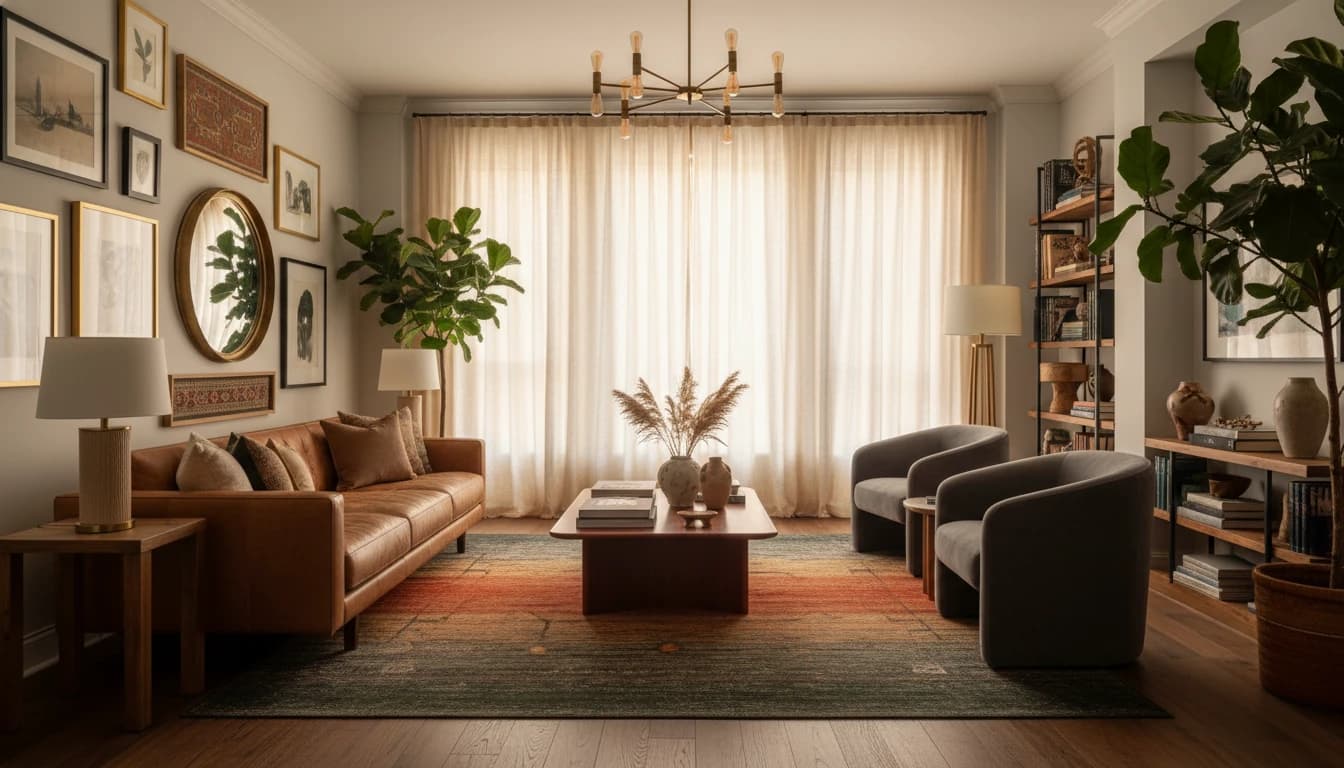
Living room interior reflecting mood board references
From your image
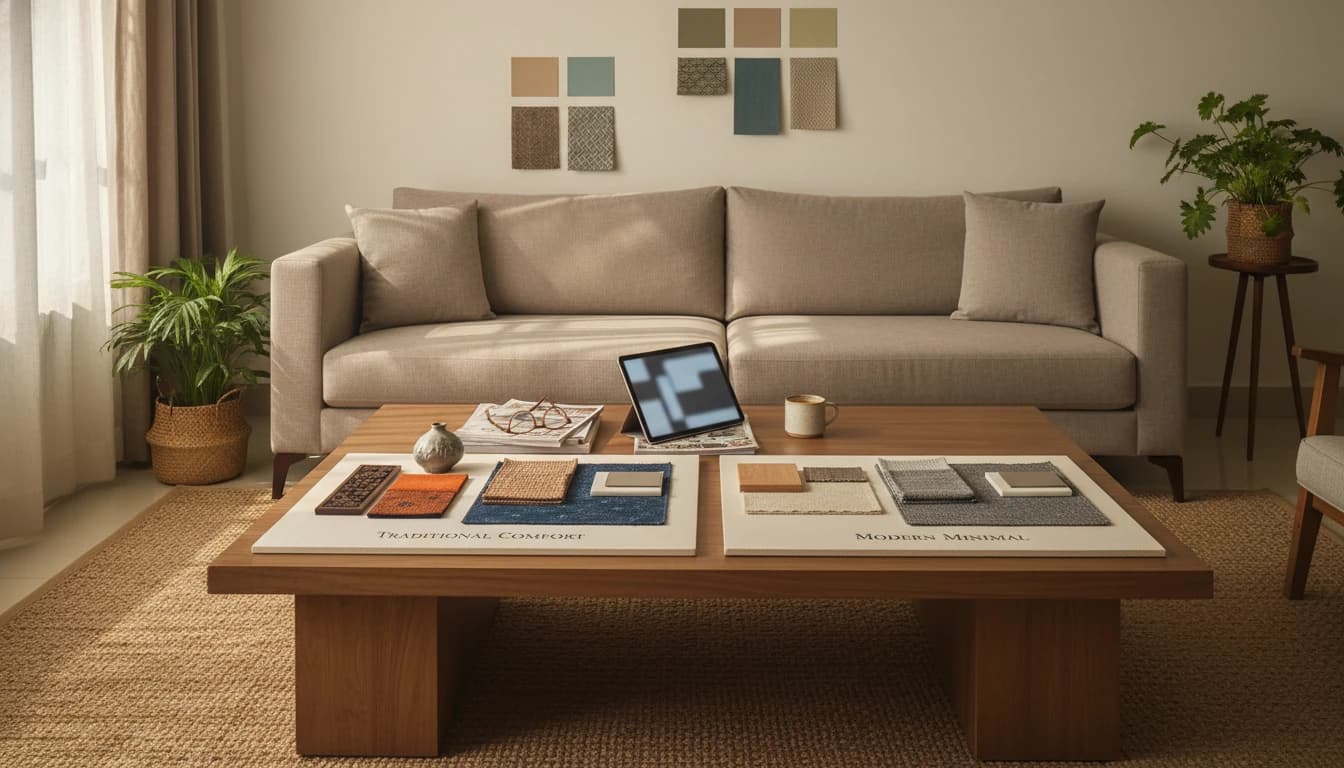
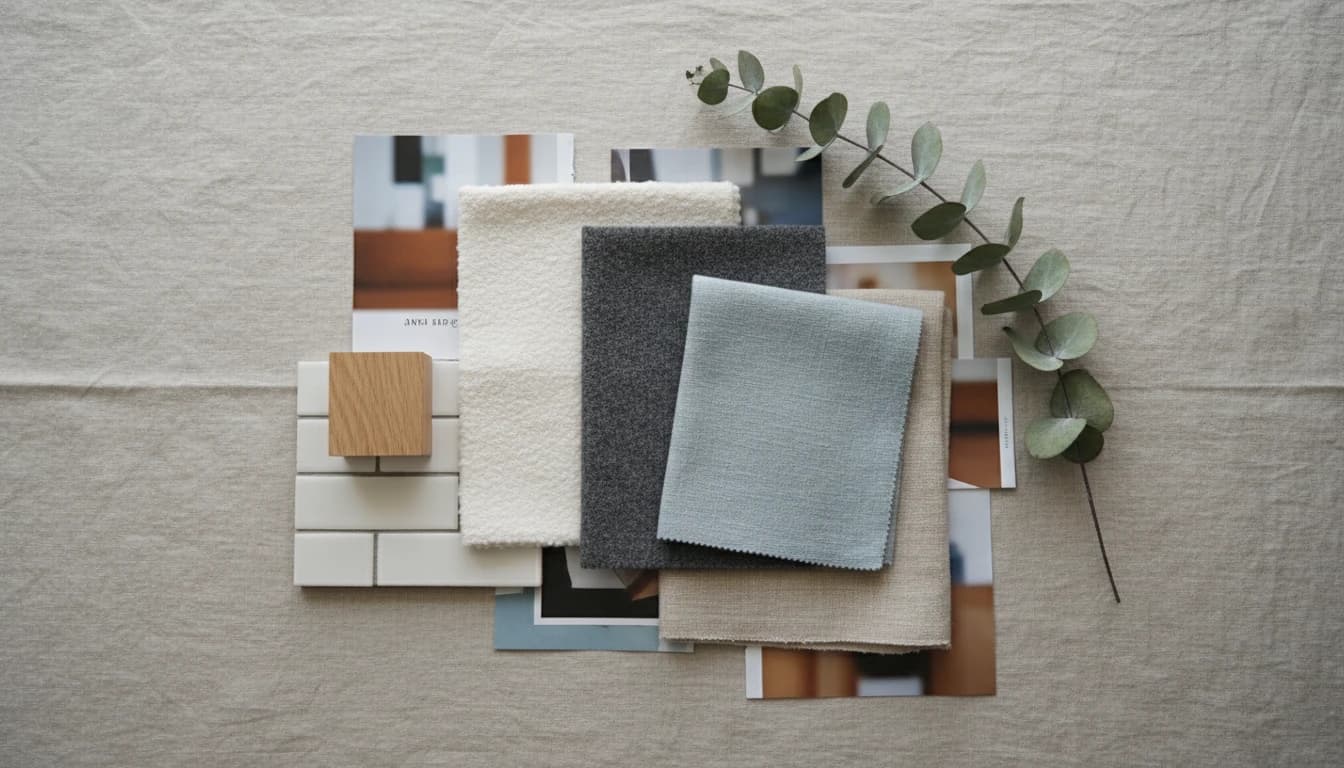
Interior design mood board with fabric and material samples

Moodboard.jpg

Ready

Use the mood board I attached as the reference—match the palette, materials, and overall vibe in this photo.

Reference uploads

Upload pictures for style or object transfer

Clip in a screenshot or mood board if you have one—the idea is “make it feel like this,” without redoing your whole floor plan from scratch.

Use cases

Built for five jobs. All billed by the credit.

Whether you’re redesigning a single room or styling a whole development, NyloSpaces maps to how you actually work.

For homeowners & renovators

See the room before you commit to paint, furniture, or a contractor.

  • Upload a phone photo — get photorealistic redesigns across 100+ architectural styles
  • Chat with the AI designer like a real consultant: “warmer lighting, keep the sofa”
  • Compare versions side-by-side before you spend a rupee
Pay per render. No subscription.

For interior designers

Client-ready concepts in minutes, not days.

  • Turn one site photo into three styled options during the consult
  • Export branded Presentations with cover, room slides, and notes
  • 4K Professional Export for final deliverables

For real estate agents

Virtually stage a listing today — not in 48 hours.

  • Turn empty or dated rooms into staged shots for the listing
  • Offer two or three furnishing directions per property
  • HD exports ready to upload the same day you shoot

For developers & builders

Turn floor plans into photoreal homes buyers can commit to.

  • Upload a floor plan — spaces are parsed and ready to style
  • Lock one design language across every unit type
  • Share a single presentation link; no Dropbox folders

For Airbnb & STR hosts

Redesign a unit to lift nightly rate and booking conversion.

  • Test new looks on current photos before buying anything
  • Refresh each room independently — per-credit pricing
  • Keep every version; restore a prior look anytime

Pricing

Pay only for what you design.

Buy credits when you need them. No subscriptions, no card on file — the price you see is what you pay.

No subscriptionsNo credit card required

Try

A small pack to explore the AI designer.

₹150

10 credits

  • One-time purchase
  • Full access to the AI designer
  • SD and HD image generation
Choose Try
Most popular

Personal

For homeowners designing their own space.

₹1,500

100 credits

  • Everything in Try
  • 4K Upscale
  • Additional credits at ₹10 per credit
Choose Personal

Professional

For designers and studios working with clients.

₹2,500

100 credits

  • Everything in Personal
  • Professional Export
  • Additional credits at ₹10 per credit
Choose Professional

Credits per image

Each image you generate draws from your credit balance based on the resolution you choose.

SD1 creditHD2 credits4K3 credits

Frequently asked
questions.

Very. We use frontier image generation models (Gemini's image capabilities) that preserve the actual perspective, lighting, and geometry of your room. The output looks like a professional photograph of your room redesigned — not a generic 3D render.

There's no subscription and no card is required to sign up. You pay only for what you generate — Try is ₹150 for 10 credits, while Personal (₹1,500) and Professional (₹2,500) include 100 credits each with top-ups at ₹10 per credit. See the Pricing section for the full breakdown.

Ready to design
something amazing?

Join designers and homeowners who are already reimagining their spaces. Start with one photo. See what's possible.